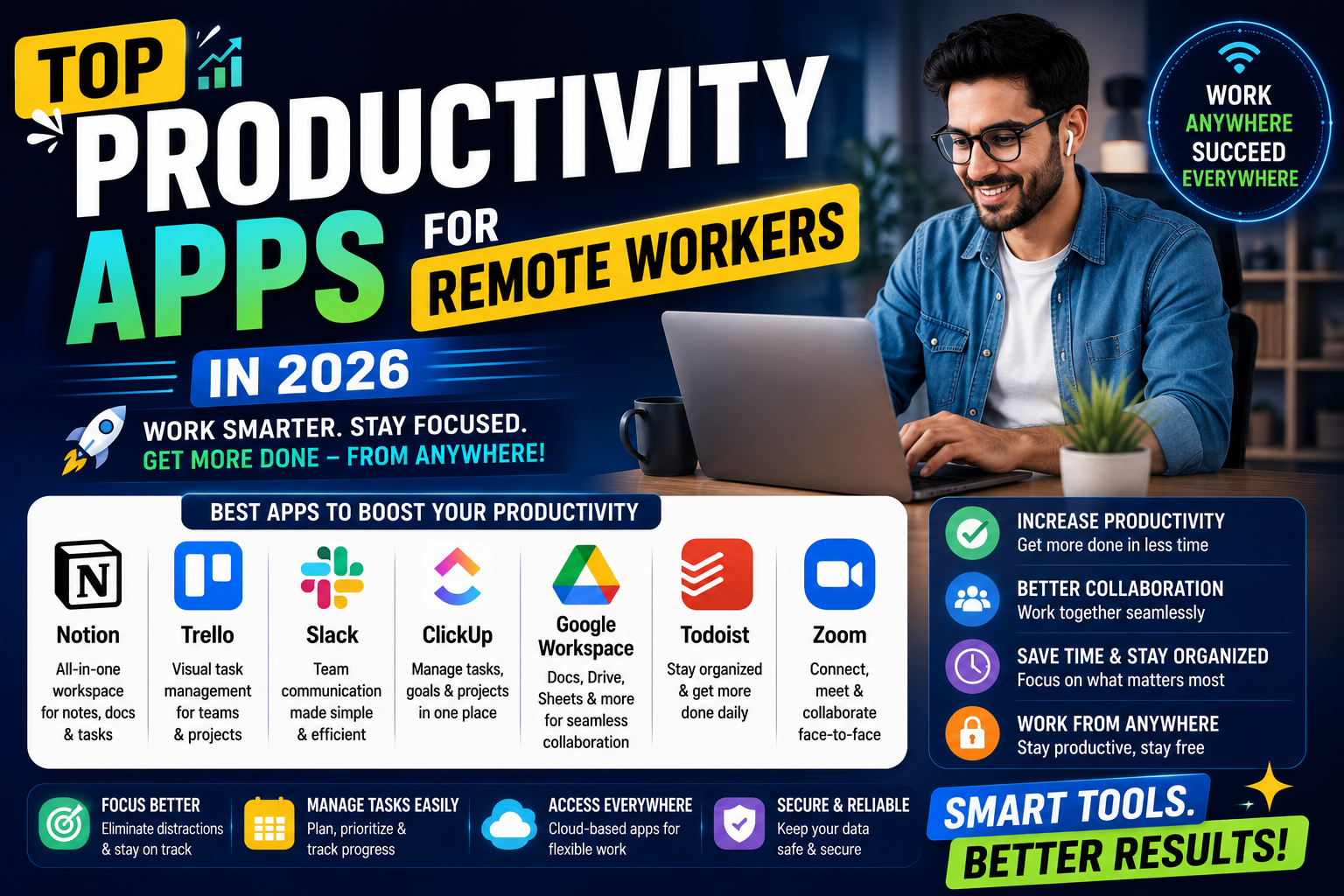
Remote work has become a normal part of professional life in 2026. Millions of people now work from home, coffee shops, co-working spaces, or while traveling. While remote work offers flexibility and freedom, it also brings challenges such as distractions, communication gaps, time management problems, and task organization.
This is why productivity apps have become extremely important for remote workers. These apps help teams stay connected, manage projects, track tasks, organize schedules, and improve efficiency.
Whether you are a freelancer, digital marketer, content creator, developer, or office employee working remotely, the right productivity apps can make your work faster and more organized. In this article, we will explore the top productivity apps for remote workers in 2026 and understand why they are widely used around the world.
Why Productivity Apps Matter for Remote Workers
Working remotely requires self-discipline and organization. Unlike traditional offices, remote workers often manage their own schedules and responsibilities.
Productivity apps help by:
- Organizing tasks
- Improving communication
- Managing time effectively
- Reducing distractions
- Tracking progress
- Increasing collaboration
These tools help remote workers stay productive even while working from different locations.
1. Notion
Notion remains one of the most popular productivity apps in 2026. It combines note-taking, project management, task tracking, and collaboration into one platform.
Main Features:
- Task management
- Team collaboration
- Note organization
- Project planning
- AI-powered writing support
Remote workers use Notion to organize daily work, manage projects, and store important information in one place.
2. Trello
Trello is known for its simple visual task management system. It uses boards, lists, and cards to organize projects.
Why Remote Workers Like It:
- Easy drag-and-drop system
- Team collaboration
- Deadline tracking
- Workflow management
- User-friendly interface
Freelancers and small teams often prefer Trello because it is simple and effective.
3. Slack
Communication is one of the biggest challenges in remote work, and Slack solves this problem efficiently.
Features:
- Team messaging
- Video calls
- File sharing
- Channel organization
- Integration with other apps
Slack helps remote teams communicate quickly without relying only on emails.
4. Zoom
Zoom continues to be one of the most widely used video conferencing apps for remote workers.
Main Benefits:
- Video meetings
- Screen sharing
- Webinar support
- Team collaboration
- High-quality video calls
Companies, freelancers, teachers, and online teams use Zoom daily for meetings and collaboration.
5. Google Workspace
Google Workspace includes tools like Google Docs, Sheets, Drive, Meet, and Gmail.
Why It Is Popular:
- Cloud-based collaboration
- Real-time editing
- Easy file sharing
- Team communication
- Automatic saving
Remote workers can work together on documents from anywhere in the world.
6. Asana
Asana is a powerful project management app designed for teams and professionals.
Features:
- Task assignments
- Progress tracking
- Team workflows
- Project timelines
- Productivity reporting
Asana helps remote teams stay organized and complete projects on time.
7. Todoist
Todoist is one of the best task management apps for personal productivity.
Main Advantages:
- Daily task lists
- Priority settings
- Productivity tracking
- Reminders
- Cross-device syncing
Remote workers use Todoist to stay focused and organized throughout the day.
8. Microsoft Teams
Microsoft Teams is widely used by businesses and organizations for remote communication.
Key Features:
- Video meetings
- Team chat
- File sharing
- Office integration
- Collaboration tools
It works especially well for companies already using Microsoft Office products.
9. Clockify
Time management is essential for remote workers, and Clockify helps track work hours efficiently.
Benefits:
- Time tracking
- Productivity reports
- Billable hour management
- Team monitoring
Freelancers and agencies often use Clockify to manage client work and improve productivity.
10. Evernote
Evernote is a classic productivity app that remains useful in 2026 for organizing notes and ideas.
Features:
- Digital note-taking
- Web clipping
- Task organization
- Cross-device access
Writers, researchers, and marketers use Evernote to store important information quickly.
Challenges of Remote Work
Remote work offers freedom, but it also creates unique challenges.
Some common problems include:
- Lack of communication
- Distractions at home
- Poor time management
- Isolation
- Difficulty tracking tasks
Productivity apps help solve these issues by improving structure and teamwork.
Best Productivity Apps for Freelancers
Freelancers often manage multiple clients and projects at the same time.
Useful apps for freelancers include:
- Trello for project management
- Clockify for time tracking
- Notion for organization
- Zoom for meetings
These tools help freelancers stay professional and organized.
Best Apps for Team Collaboration
Remote teams need strong communication and coordination tools.
Best collaboration apps include:
- Slack
- Microsoft Teams
- Google Workspace
- Asana
These apps improve teamwork and reduce communication delays.
Features to Look for in Productivity Apps
Before choosing a productivity app, remote workers should consider several important features.
Easy Interface
The app should be simple and easy to understand.
Cross-Platform Support
Good productivity apps work on mobile, desktop, and web browsers.
Collaboration Tools
Team communication and file sharing are important for remote work.
Notifications and Reminders
Reminders help users stay on schedule.
Cloud Storage
Cloud-based apps allow access from anywhere.
How Productivity Apps Improve Work Efficiency
Productivity apps help workers:
- Focus on important tasks
- Reduce wasted time
- Organize daily schedules
- Communicate faster
- Complete projects more efficiently
When work is properly organized, stress levels also become lower.
Tips for Staying Productive While Working Remotely
Create a Daily Routine
Having a fixed work schedule improves discipline.
Avoid Multitasking
Focusing on one task at a time increases efficiency.
Use Task Management Apps
Apps like Todoist and Asana help prioritize work.
Take Short Breaks
Regular breaks improve focus and mental energy.
Keep Communication Clear
Use apps like Slack or Teams to stay connected with colleagues.
Why AI Productivity Tools Are Growing in 2026
Artificial Intelligence is now integrated into many productivity apps. AI helps remote workers by:
- Summarizing meetings
- Generating notes
- Managing schedules
- Improving writing
- Automating repetitive tasks
AI-powered productivity tools save time and improve workflow efficiency.
Best Overall Productivity App
Choosing the best productivity app depends on personal needs.
- For complete organization: Notion
- For team communication: Slack
- For meetings: Zoom
- For project management: Asana
- For personal tasks: Todoist
Many remote workers combine multiple apps for the best experience.
Final Thoughts
Remote work is growing rapidly in 2026, and productivity apps have become essential tools for professionals around the world. These apps help workers stay organized, communicate effectively, manage projects, and improve daily efficiency.
Whether you work as a freelancer, remote employee, content creator, or business owner, apps like Notion, Slack, Zoom, Trello, and Asana can make remote work much easier and more productive.
The key is to choose apps that match your workflow and help you stay focused without creating unnecessary complexity. As technology continues to improve, productivity apps will become even smarter and more important for remote workers in the future.